
Query Workflow (Step-by-Step)
This is the most important part for daily usage.
Step 1: Create Query
- Enter basic details to create the query.
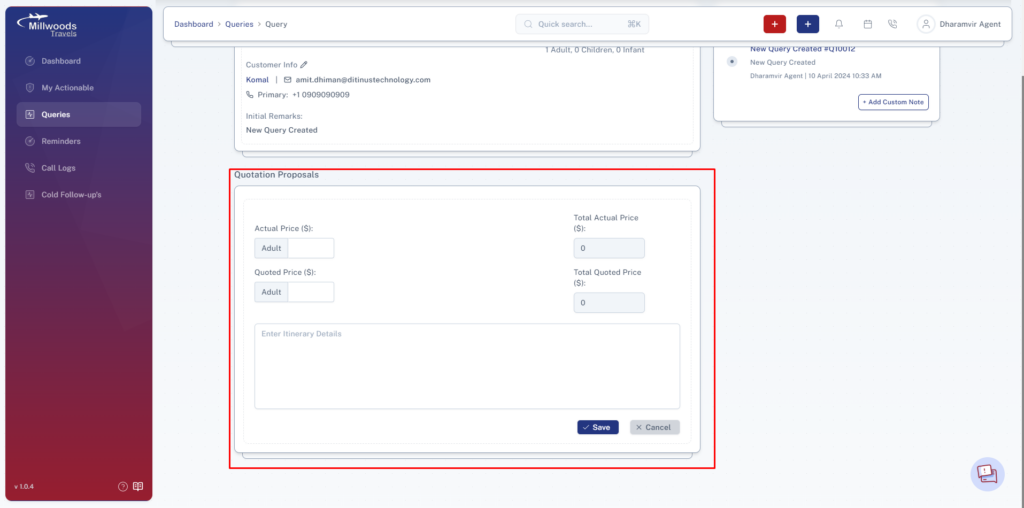
Step 2: Add Quotation
- Create a quotation with pricing details.
- Share with customer via email (if email is available).
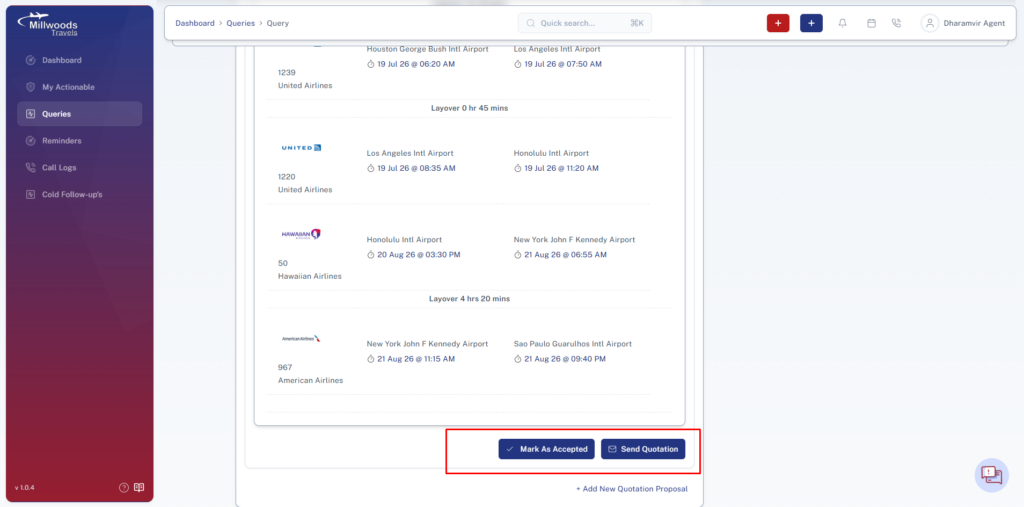
Step 3: Customer Accepts Quotation
- Mark quotation as Accepted once confirmed.
Step 4: Add Payment
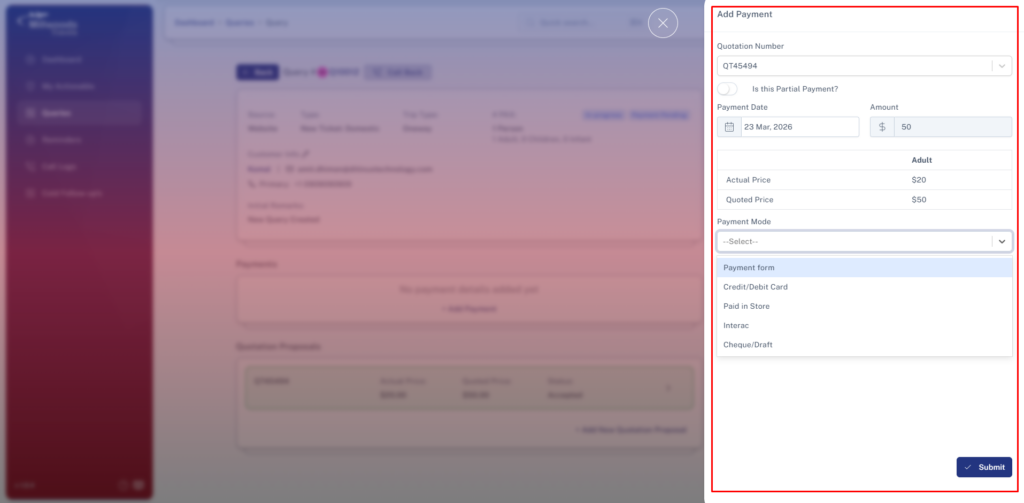
Fill the following:
- Payment Type → Partial or Full payment.
- Payment Mode →
- Payment Form
- Credit Card
- Debit Card
- Paid in Store
- Interac
- Cheque
- Amount → Enter amount received.
- Documents → Upload payment proof if required.
Step 5: Send to Billing Queue
- Send the query for payment processing.
- This will be handled by the Manager.
Step 6: Payment Approval
- Wait for manager approval from billing queue.
Step 7: Attach Tickets
- Upload single or multiple tickets.
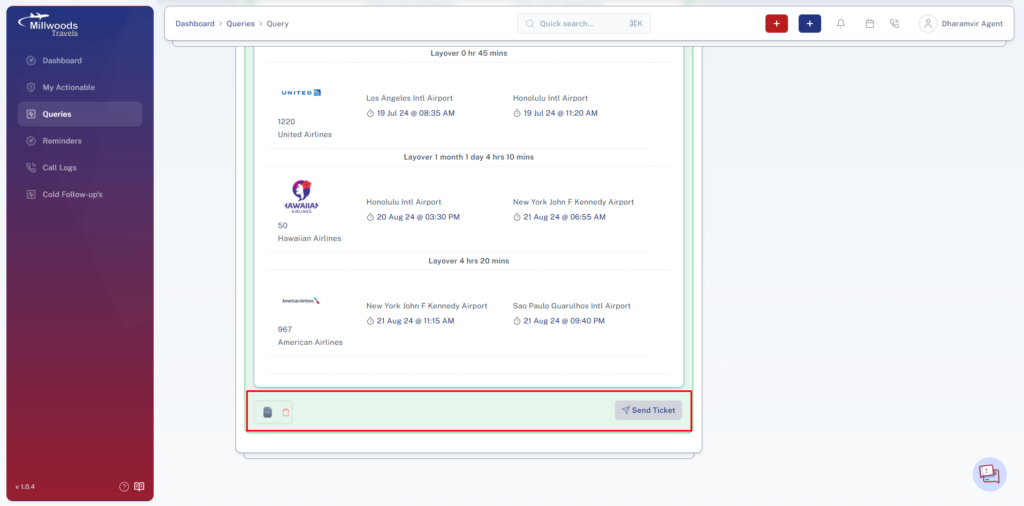
Step 8: Send Tickets to Customer
- Share tickets with customer.
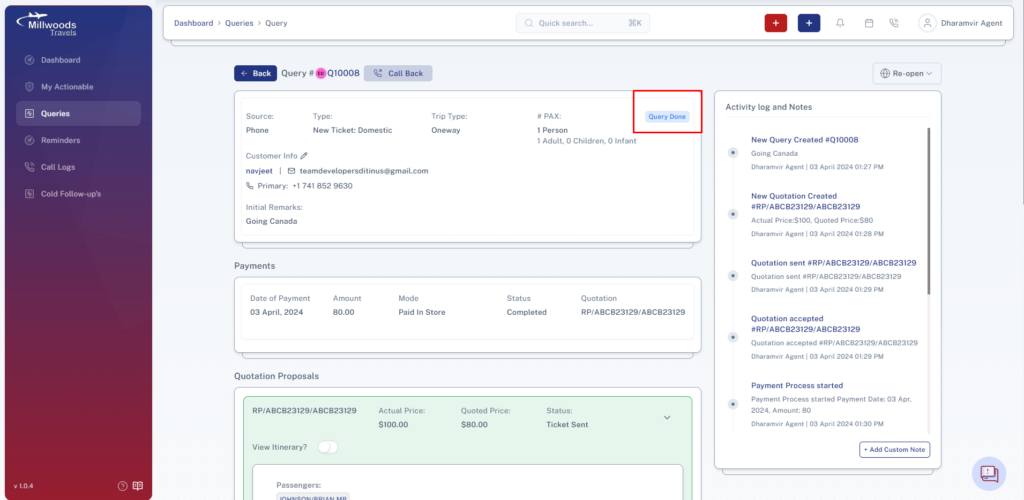
- This action marks the query as Completed (Query Done).
Daily Usage Guide
- Always update query after each action
- Track quotation status regularly
- Ensure payment is properly recorded
- Do not mark complete without sending tickets
Best Practices
- Add clear remarks for every action
- Upload documents when required
- Double-check passenger details before ticketing