
Chat
1. Overview
The Internal Chat module allows agents to communicate with other users through direct messaging within the system.
2. Accessing Chat
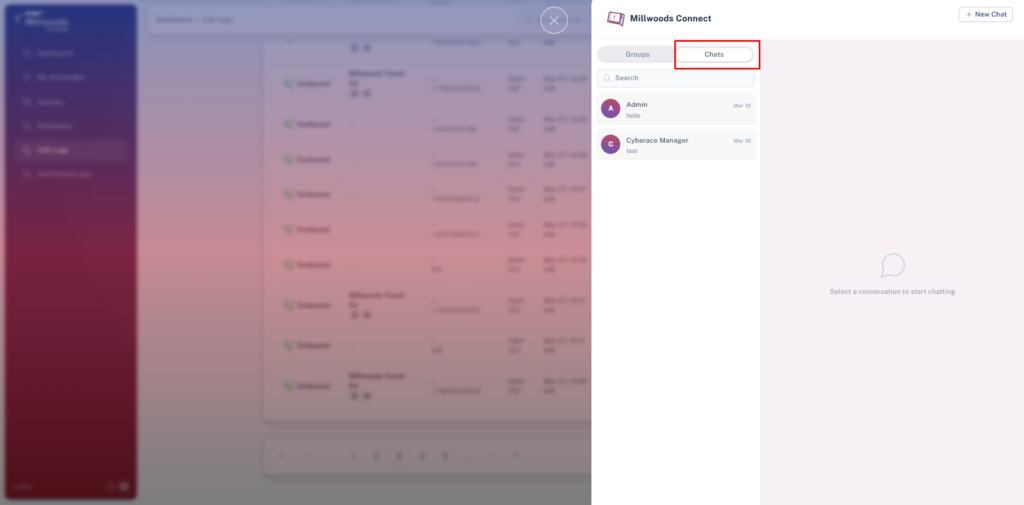
- Navigate to the Chat module from the sidebar
→ Opens the chat panel with Chats and Groups tabs - By default, the Chats tab is selected
→ Displays all recent direct conversations
3. Starting a New Chat
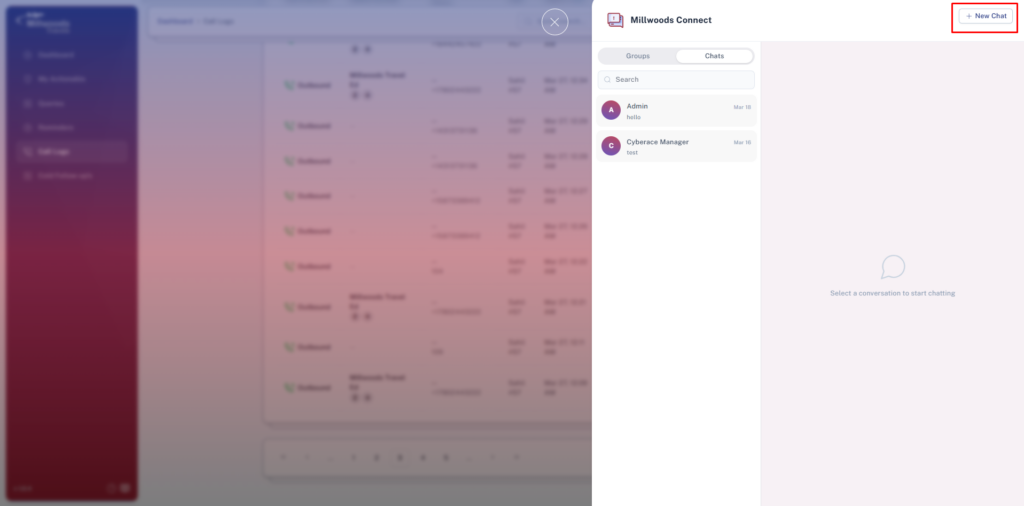
- Click on New Chat (top-right)
→ Opens the user selection panel - Search for a user using the search bar
→ Filters users instantly - Select a user
→ Starts a new direct conversation
4. Sending Messages
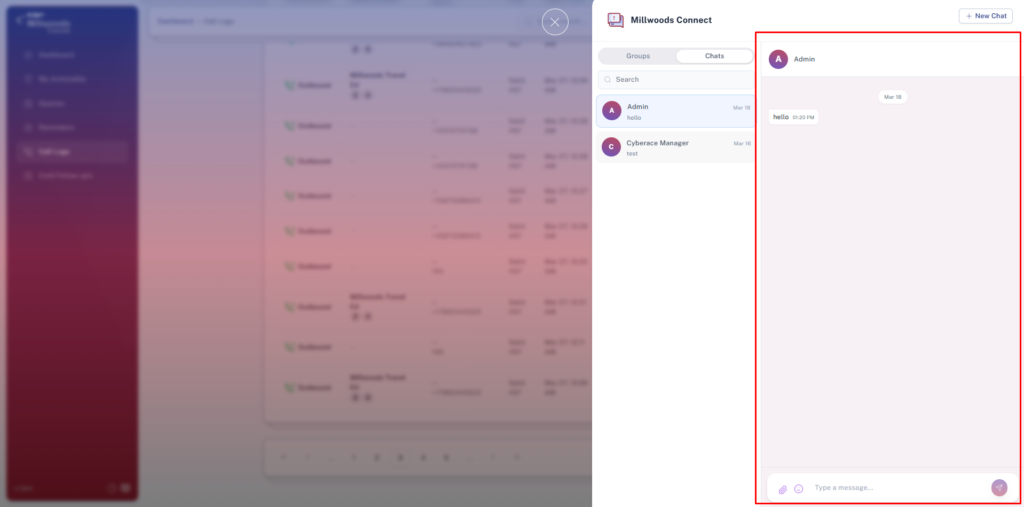
- Select a conversation from the chat list
→ Opens the chat window - Type your message in the input field
→ Prepares message for sending - Click send
→ Message is delivered instantly
5. Chat Features
- Reply to Message
→ Respond to a specific message within a conversation - Reactions
→ Add quick emoji reactions to messages - Read & Delivered Status
→ Shows whether a message is delivered or read - File Sharing
→ Upload up to 4 files with a maximum size of 5 MB each
6. Search Functionality
- Use the search bar in the chat panel
→ Quickly locate users or conversations
7. Limitations for Agent
- Cannot create group chats
- Can only access their own chats